iOS Installation Options
TK1971 does not have an app listed on the Apple App Store. iOS users have two options: install via a corporate provisioning profile or use the optimized web app (PWA).
PWA Web App for iPhone
Open tk1971game.com in Safari. Tap the Share button at the bottom of the screen. Select 'Add to Home Screen'. The icon appears on your home screen and the app opens in full-screen mode without browser bars. This gives a near-native experience and works on iOS 14 and above.
Corporate Profile Installation
Some versions of the TK1971 iOS app are distributed via enterprise certificates. If the download page shows an iOS button, tap it and follow the prompt to install the configuration profile. Go to Settings - General - VPN and Device Management - trust the TK1971 profile. The app will then open normally.
If iOS displays a trust warning, this is standard behavior for apps installed outside the App Store.

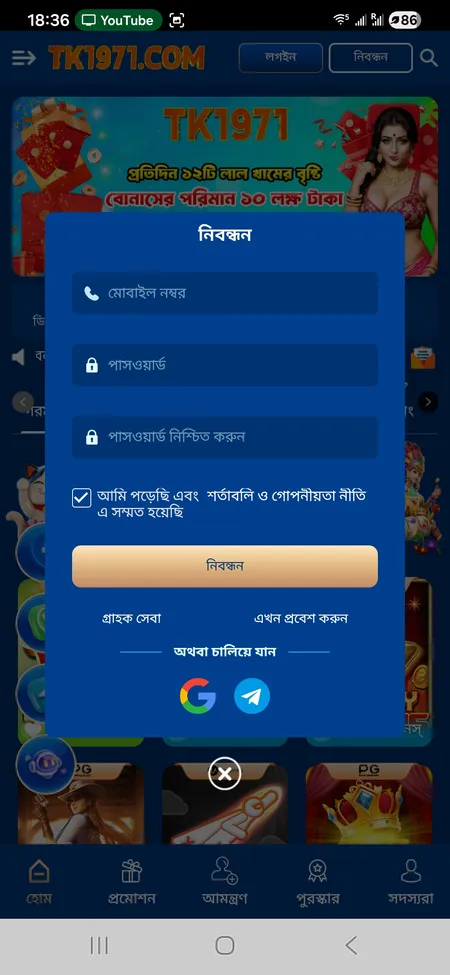
 bKash VIP (PAP and TAP channels)
 Nagad VIP
 Rocket
 Bank Transfer